Distance
Version 1.0.1 — Out now.
Free Psychoacoustic Distance Plug-in
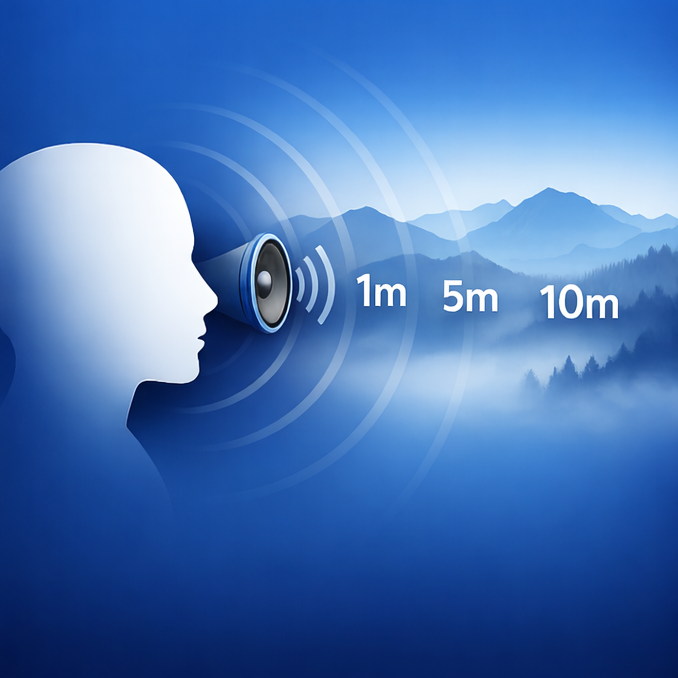
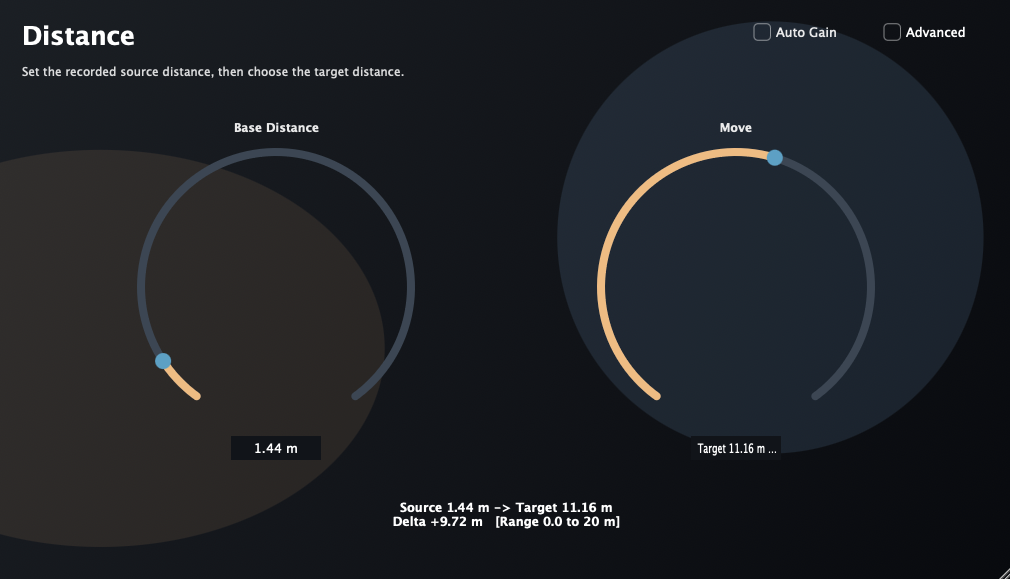
Distance is a free psychoacoustic distance plug-in for pushing close sounds farther back without obvious reverb. It is designed for the moments where a source needs to feel a few meters farther away, but adding reverb or dulling it with EQ makes the mix sound artificial.
Latest downloads are available for macOS 11 or later and Windows VST3. The Windows build matches version 1.0.1, and I have received reports that it works well. Windows AAX support is planned for a future release. This update may resolve an issue where the plug-in could fail to load in some environments, but this has not been fully confirmed yet.
What it does
- Change the perceived distance of a source without relying on reverb alone.
- Help sounds feel farther away or closer in a way that is more convincing than simple tonal darkening.
- Aim for subtle, mix-friendly depth control that can sit naturally inside a real mix.
- Be especially useful when a source needs to move just a little in depth, even if the difference is not dramatic on every sound.
- Focus on being a practical utility plug-in rather than a flashy special effect, with future algorithm improvements still planned.
Release history
v1.0.1 — Possible loading issue fix.
Current release. This update may resolve an issue where the plug-in could fail to load in some environments, but this has not been fully confirmed yet.
Typical use cases
Vocals
Move a vocal slightly back in the mix without relying on an obvious reverb tail.
Dialogue / FX
Help dialogue, foley, or effects feel a few meters farther away in a more believable way.
Mix depth
Create clearer front-to-back placement when EQ and reverb alone do not quite get there.
Requirements
- macOS 11 or later.
- A plug-in host that supports AAX (Pro Tools), AU, or VST3.
- Installer:
Distance_1.0.1.pkg
Note: This installer includes AAX / AU / VST3 builds that target macOS 11 or later.
Install
-
Download
Distance_1.0.1.pkg. - Run the installer to place AAX / AU / VST3 into the standard macOS plug-in locations.
- Launch your host application and rescan plug-ins if needed.
Support
Email: kjdevapphelp@gmail.com
Please include: macOS version, host DAW, plug-in format, and a short description (or screenshot) of the issue.